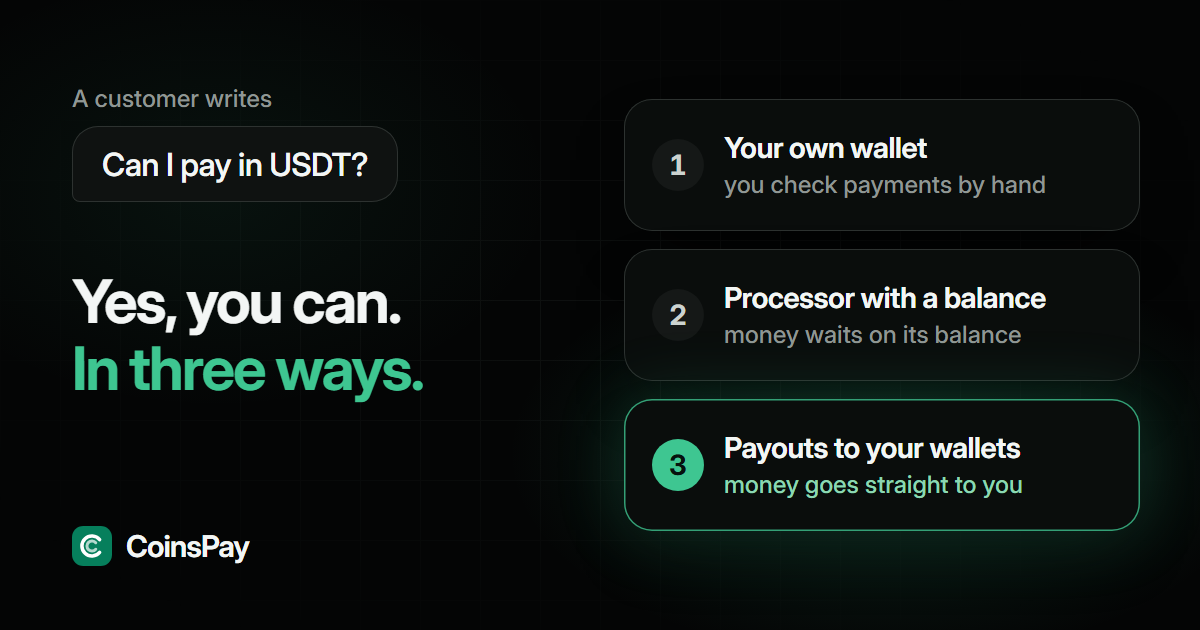
A customer writes: "Can I pay in USDT?" You can say yes in three ways. They differ in who checks that the money arrived and in where that money sits before it reaches you.
Way 1: your own wallet address
You copy the address from your wallet, send it to the customer and wait. When the transfer shows up, you mark the order as paid.
For a few payments a month from people you know, this is enough, and it costs you nothing.
It stops working as orders grow. Two customers send 50 USDT within the same hour, and you have to write to both to find out whose payment is whose. Someone picks the wrong network in their exchange app, and the transfer lands on a chain you weren't watching. And a Bitcoin payment made an hour after you quoted the price is no longer worth what the order costs.
Way 2: a processor that holds your balance
A processor takes over the checking. It gives every order its own address, watches the blockchain and tells your store when the order is paid. The customer gets a payment page with a QR code and the exact amount.
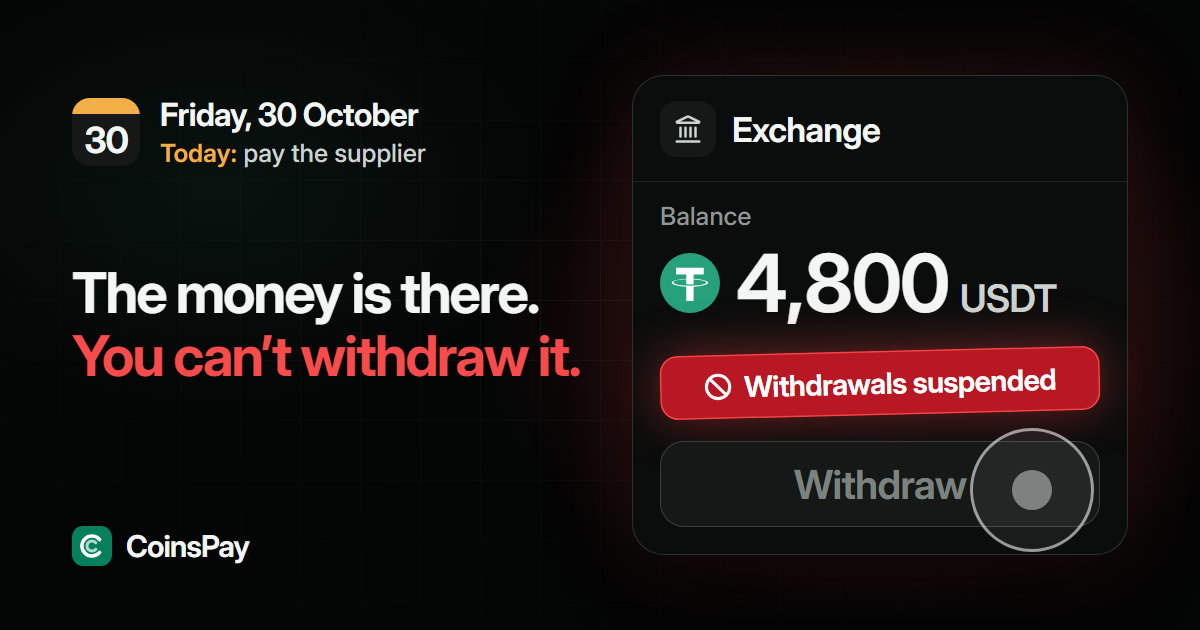
The money, though, usually lands on your balance inside the service. To get it into your wallet you request a withdrawal, by hand or on a schedule.
Before you sign up, find out how long the money stays on the balance, whether there is a minimum withdrawal amount or a withdrawal fee, and what happens to the balance if the service has questions about your account.
Way 3: a gateway that pays your wallets
The third way keeps the automation and drops the balance. The gateway still issues an address for each order and watches the network. Once the network confirms the payment, the money goes to wallet addresses you set in advance.
CoinsPay works this way. You list up to five addresses per network and give each one a share in percent, say 70% for you and 30% for a partner. Every confirmed payment is split by those rules and sent to the wallets minus the fee, so the money doesn't pile up on the platform. More on this on the automatic payouts page.
The payment page is built around the mistakes customers tend to make. It shows the coin, the token standard and the network right where the customer copies the address. The amount in the coin is held for 30 minutes, so the rate doesn't move while they open their wallet. If they send less than the total, the page shows how much is left to pay.
The three ways side by side
| Your own wallet | Processor with a balance | Payouts to your wallets (CoinsPay) | |
|---|---|---|---|
| Who checks the payment | You, by hand | The service | The service |
| Order status in the store | You change it | Changes automatically | Changes automatically |
| Where the money is | In your wallet at once | On a balance in the service until you withdraw | In your wallets after the network confirms |
| Wrong network | Nothing stops the mistake | The payment page names the network | The payment page names the network |
| Sharing with a partner | By hand | Depends on the service | Automatic, by percent |
| What you pay | Nothing | Service fee and the cost of withdrawals | Service fee and the network fee of the payout |
What to check before you choose
- Which coins and networks your customers hold. Ask a few of them. USDT alone exists on several networks, and for the customer each one is a separate way to pay. CoinsPay accepts 30+ coins and tokens.
- Where the money is between the customer's payment and your wallet, and for how long.
- The full cost: the service fee, the network fee, and any withdrawal or monthly fee.
- Whether there is a plugin for your platform. Without one you need a developer and an API.
- What happens when a customer underpays or the quoted rate expires.
- How you find out about a payment: a webhook to your site, an email or a message in Telegram.
How to start with CoinsPay
- Create an account and add a shop.
- Enter your payout wallets and their shares. This takes about five minutes.
- Connect your store. There are free plugins for WooCommerce, OpenCart, PrestaShop, Magento, Paymenter, FOSSBilling and Minecraft servers. A custom site connects through the API. With no site at all, you create an invoice in the dashboard and send the customer a link.
- Try it with a test API key first: a test invoice can be paid without a real transfer.
The fee is as low as 0.3% per payout and depends on your monthly volume. For the first 10 days after your first payment, payouts up to $500 carry no fee, so you can check the whole setup on real orders. The details are on the pricing page.