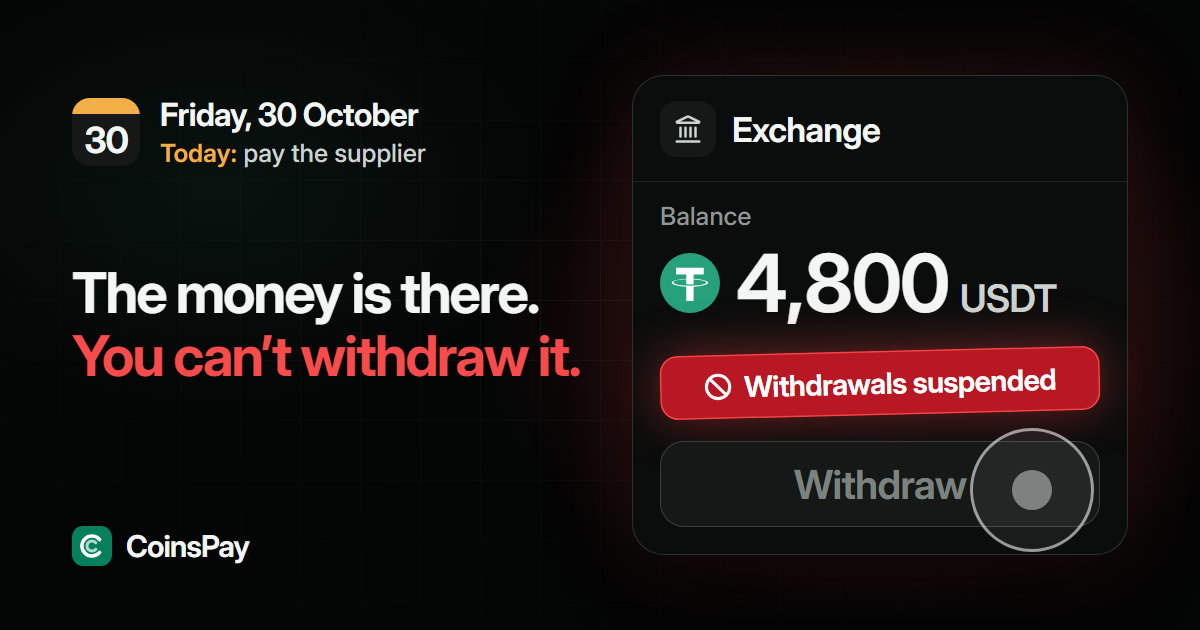
It's Friday morning, 30 October. You open Binance to pay a supplier for a shipment. The balance is there. The Withdraw button does nothing.
The evening before, about $6.3 billion in crypto was stolen from the exchange, and it suspended withdrawals for everyone. Binance says customer funds are safe. You just can't touch them: your revenue is sitting behind glass.
Your supplier doesn't care about any of that. They want to be paid today.
How long the wait turned out to be
The first answer to "when?" came two days later. On 1 November Binance reopened withdrawals on 15 networks, including Bitcoin, Ethereum, BNB Smart Chain, TRON and Solana. If your customers paid you in USDT on TRON, you got away with a ruined weekend.
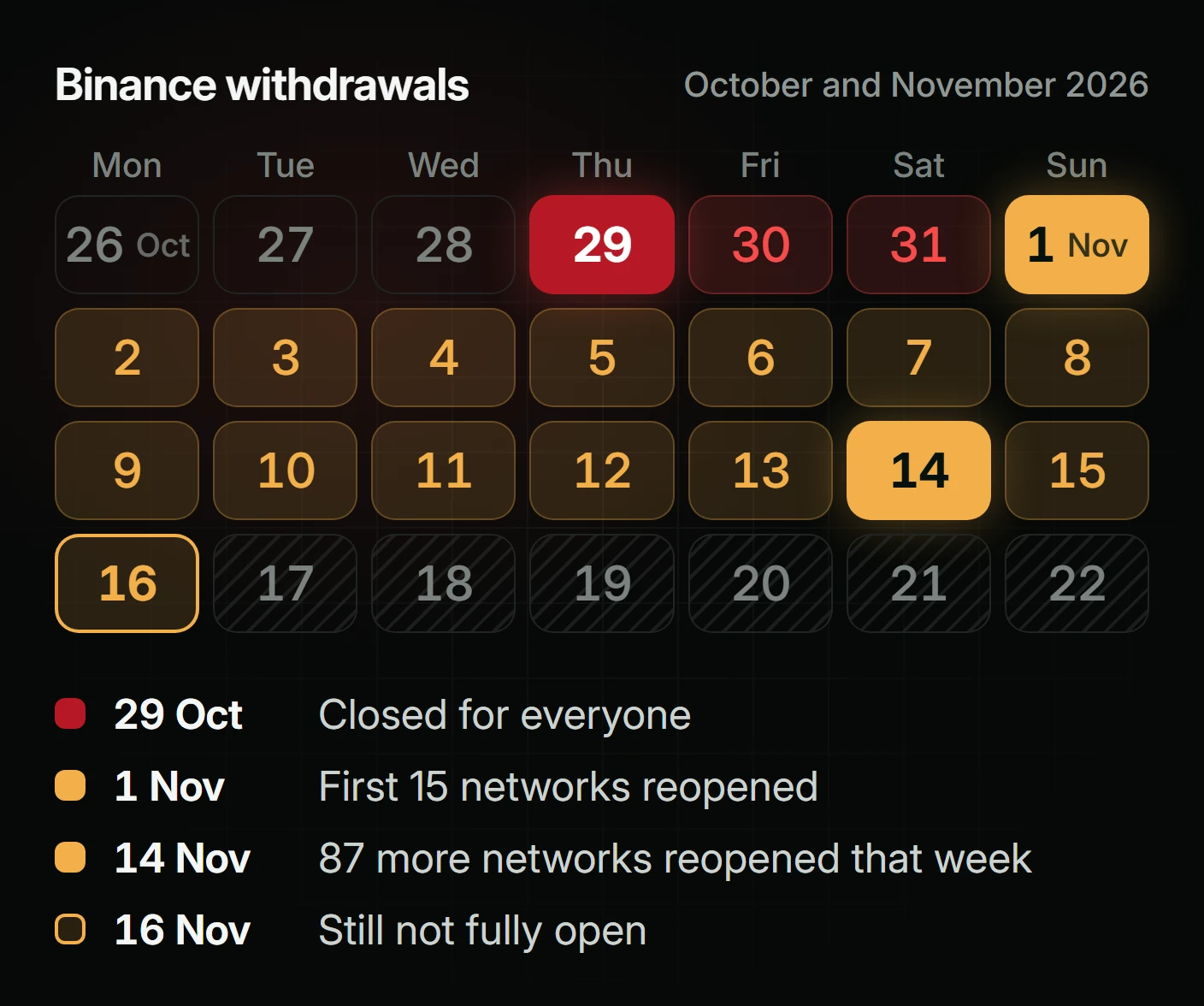
Everyone else waited longer. Networks came back in batches, and on 14 November Binance said it had reopened another 87 that week and expected to need one more week for the rest (as PYMNTS reports). The Litecoin network only showed up on the list of open networks then, two weeks after the freeze. All dates here are UTC, and this is where things stand on 16 November 2026.
A week in 2019, two years in 2022
Give Binance its due: it took the loss on itself, and on 12 November it announced that the coverage was complete (as crypto.news reports). According to Binance, deposits kept working the whole time. That means new payments from your customers kept landing in the same place, behind the same lock.
But on that Friday morning all you have is the exchange's promise. How it ends, you find out two weeks later. And a withdrawal freeze looks the same whichever way it ends. In May 2019 the same Binance closed deposits and withdrawals for about a week after a theft, then reopened them. In November 2022 FTX halted withdrawals. It went bankrupt, and its customers received their first repayments only in February 2025, more than two years later.
While the button is dead, you don't know which of these stories you are in. And there is nothing you can do about it.
An exchange is for turning crypto into ordinary money. There is no reason to keep all of a store's revenue on one.
Your customer is stuck too
There is a second loss, and people mention it less often. Some of your customers keep their crypto on that same exchange. Someone picks a product, copies the address from your payment page, goes to send the transfer and meets the same dead button. They haven't changed their mind about buying. The invoice expires anyway, and you are left with an unpaid order. They may write to tell you the payment won't go through. Or they may just leave.
Binance reopened withdrawals one network and coin at a time. USDT on TRON and Solana came back in phase one, while the Litecoin network only appeared on the list of 14 November. A customer who also held USDT on the exchange could pay with that, provided your payment page accepted it.
What to do while the button still works
You don't need to give up on the exchange: it is a convenient place to turn revenue into ordinary money. What you need is for little to be sitting there on the day it freezes, and for your customers to have another way to pay.
- Open your payment settings and look at the address your revenue goes to. If you once copied it from the Deposit screen of an exchange, all of your revenue goes there.
- Set up a wallet whose keys you hold and send the bulk of your incoming payments to it. You send transfers from it yourself, so someone else's freeze doesn't reach it.
- Send the exchange only what you plan to convert: by hand before each conversion, or automatically if your gateway can split payouts by share.
- Accept several coins and networks. A customer whose network is closed can then pay over another one.
- When a customer writes that their transfer won't go out, issue an invoice that stays open for several days. The order will wait until the exchange reopens their network.
How CoinsPay handles it
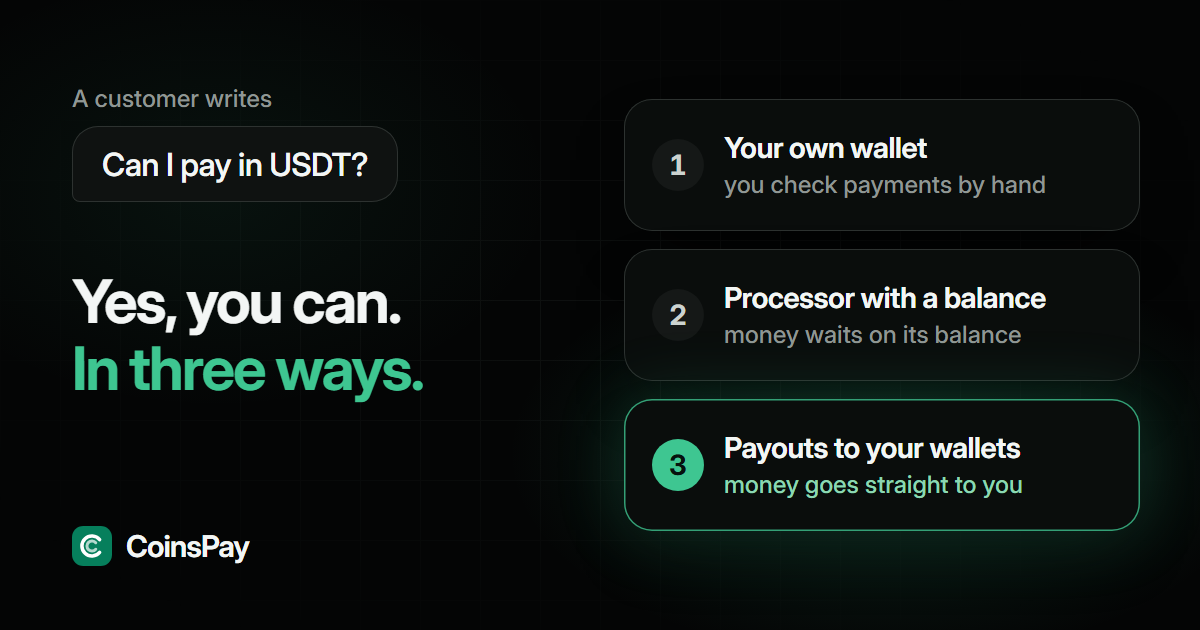
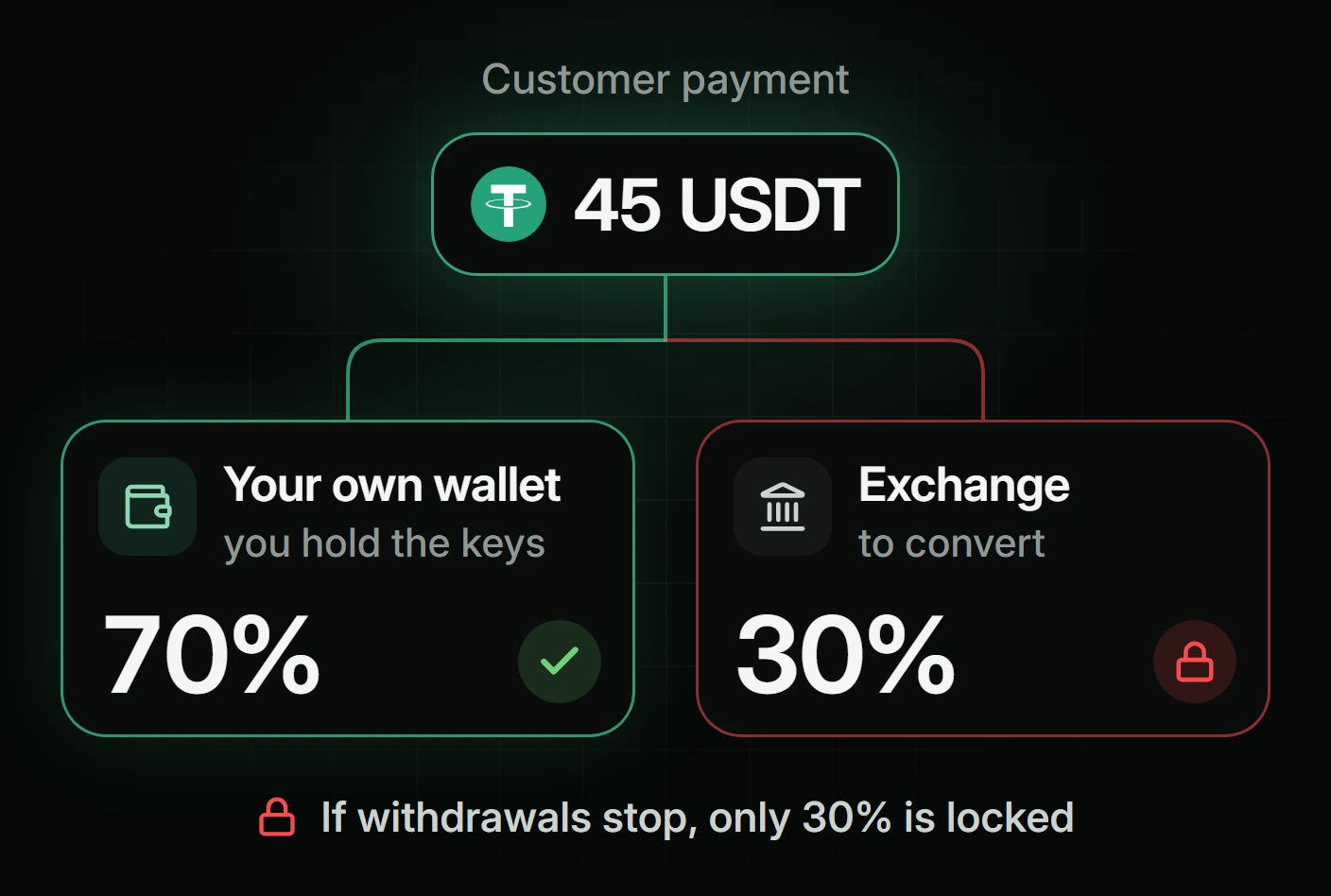
We built CoinsPay so that a store's revenue doesn't sit with us. Every confirmed payment goes straight to your wallets under your payout rules, and money doesn't pile up on the platform. On each network you can list up to five addresses and give each one a share in percent: say, 70% to your own wallet and 30% to an exchange deposit address. If the exchange freezes withdrawals, only that share is sitting there. One caveat: the rule applies to every coin on that network, so first check that the exchange accepts each coin you take on it.
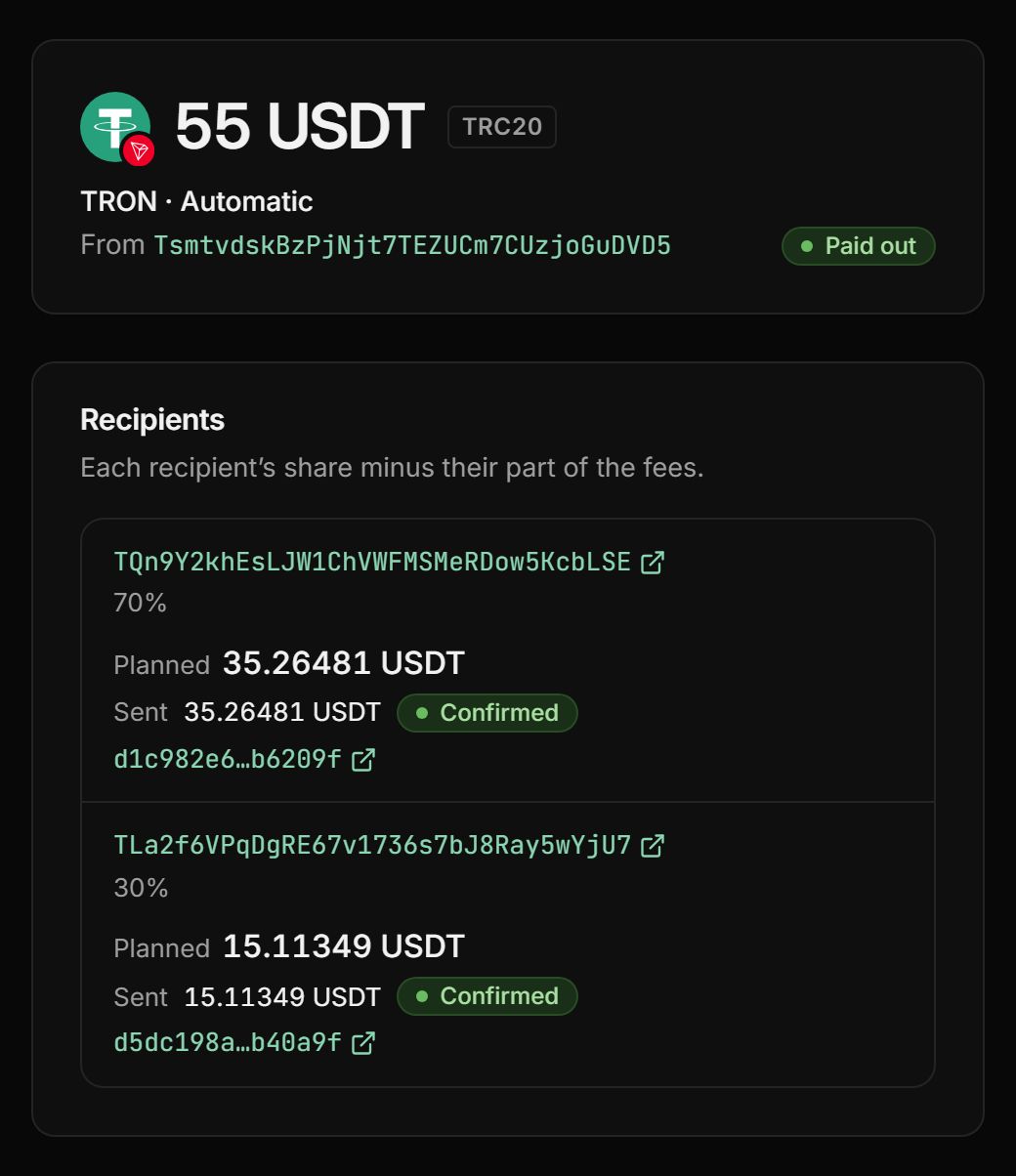
We can't save you from a freeze at your exchange. What we can do is make sure that on that day it holds only the part of your revenue you chose to keep there.
Customers choose the coin and the network themselves: the payment page takes 30+ coins and tokens on six networks. And for a customer who is waiting on a withdrawal, you can create an invoice by link that stays open for up to 30 days.
Check your payout address today, while the button still works. And if you want incoming payments split automatically, create an account, add a shop and put your own wallet address first in the payout rules.