Crypto top-ups that credit themselves
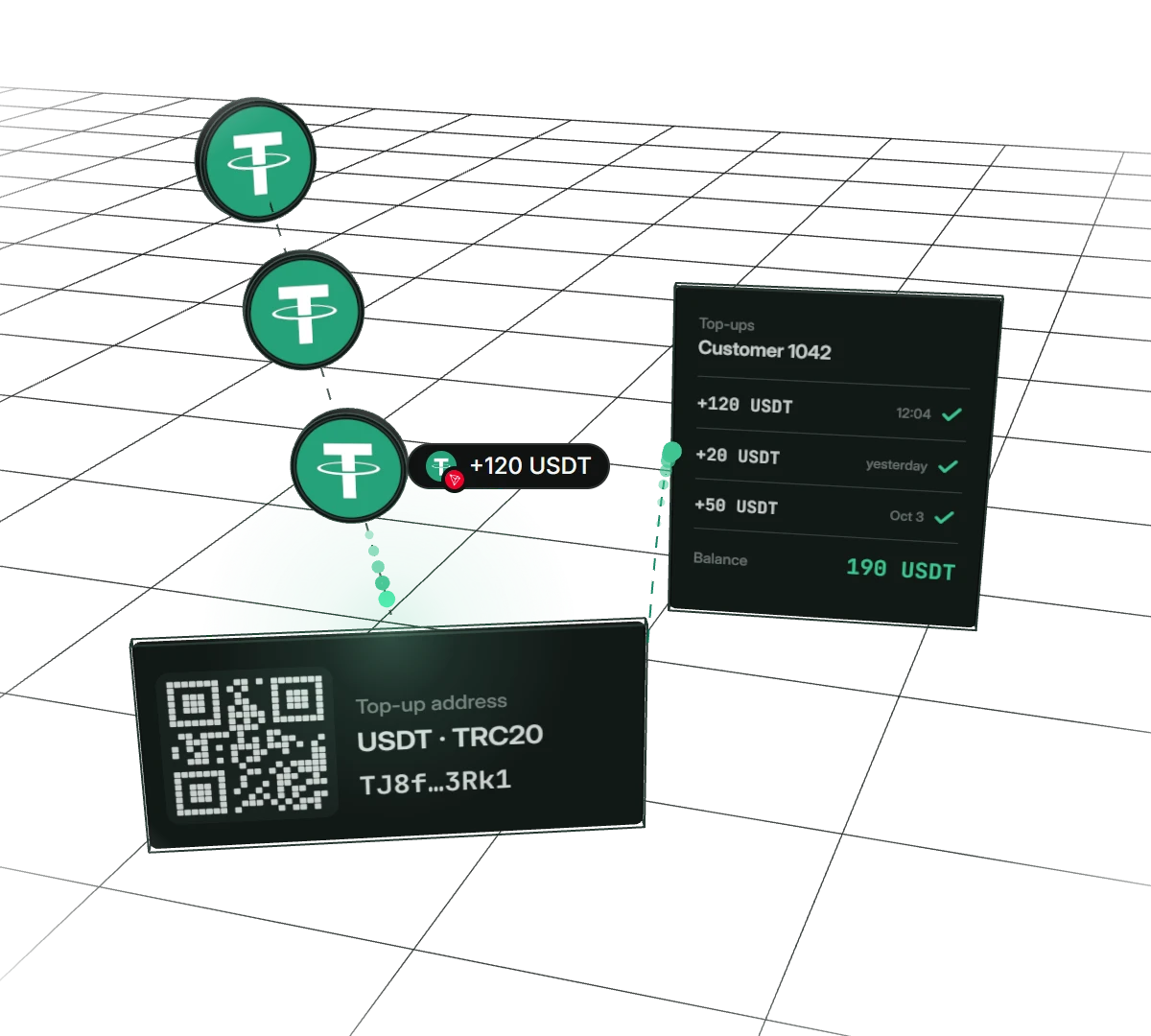
Give every customer their own top-up address. They send USDT, BTC or another coin whenever and as often as they like, and CoinsPay finds each payment, credits it with the customer’s id and tells your site. Made for hosting, VPN, games and any service with a user balance.
- Address
- permanent, per customer
- Crediting
- automatic, with customer id
- Coins
- 30+ on six networks
Why services use permanent addresses
Customers pay when it suits them
The address stays with the customer. They save it in their wallet and top up as often as they like, without asking you for a new link.
Every payment tagged
Whatever lands on the address, CoinsPay credits on its own and tags with the customer or order number. No more matching transfers against a statement.
Your site knows right away
A webhook with the customer id reaches your server as soon as the payment is credited. Balances top up without an operator.
A widget that matches your site
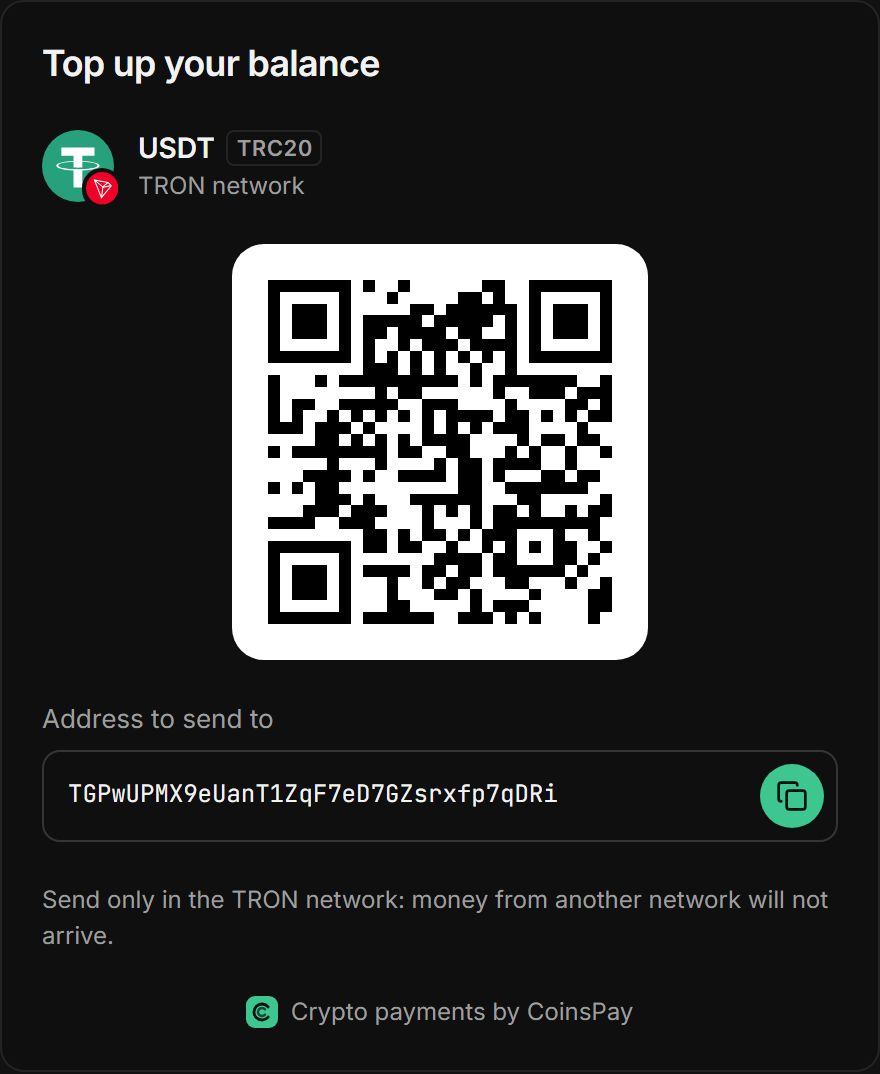
Colors, font, corner radius and texts adjust to your design. The customer sees their address and QR code right on your top-up page.
How to set up top-ups
- 01Create a widgetChoose coins, theme and texts, and check the look in the preview. The signing secret stays on your server.
- 02Paste the code into your pageYour server signs the customer id, and the block with the signature plus the script show the widget. You can also issue addresses with an API request.
- 03The customer sends coinsThey see their address and QR code and pay from a wallet or an exchange. Their payment and its confirmations appear right under the QR code.
- 04Balance topped upA webhook brings your site the amount and the customer id, and the money goes to your wallets under your payout rules.
Code for your top-up page
A block with the customer’s data and a script that inserts the widget and fits its height. Your server signs the customer id with the widget secret (HMAC-SHA256); samples for Node.js, PHP, Python and Go are in the dashboard.
<div data-cpay-widget="WIDGET_ID"
     data-customer="CUSTOMER_ID"
     data-signature="SIGNATURE"></div>
<script src="https://widget.coinspay.app/widget.js" async></script>
What addresses and the widget can do
Settings that spare you manual reconciliation and support tickets.
An address per customer or per order
Give a customer one address for all top-ups, or issue a new one for every order to see at once what the money was for.
One address for all EVM networks
An Ethereum address also receives payments from BNB Smart Chain. If a customer picks the wrong network, the payment is still credited, on its own network and flagged.
An address page
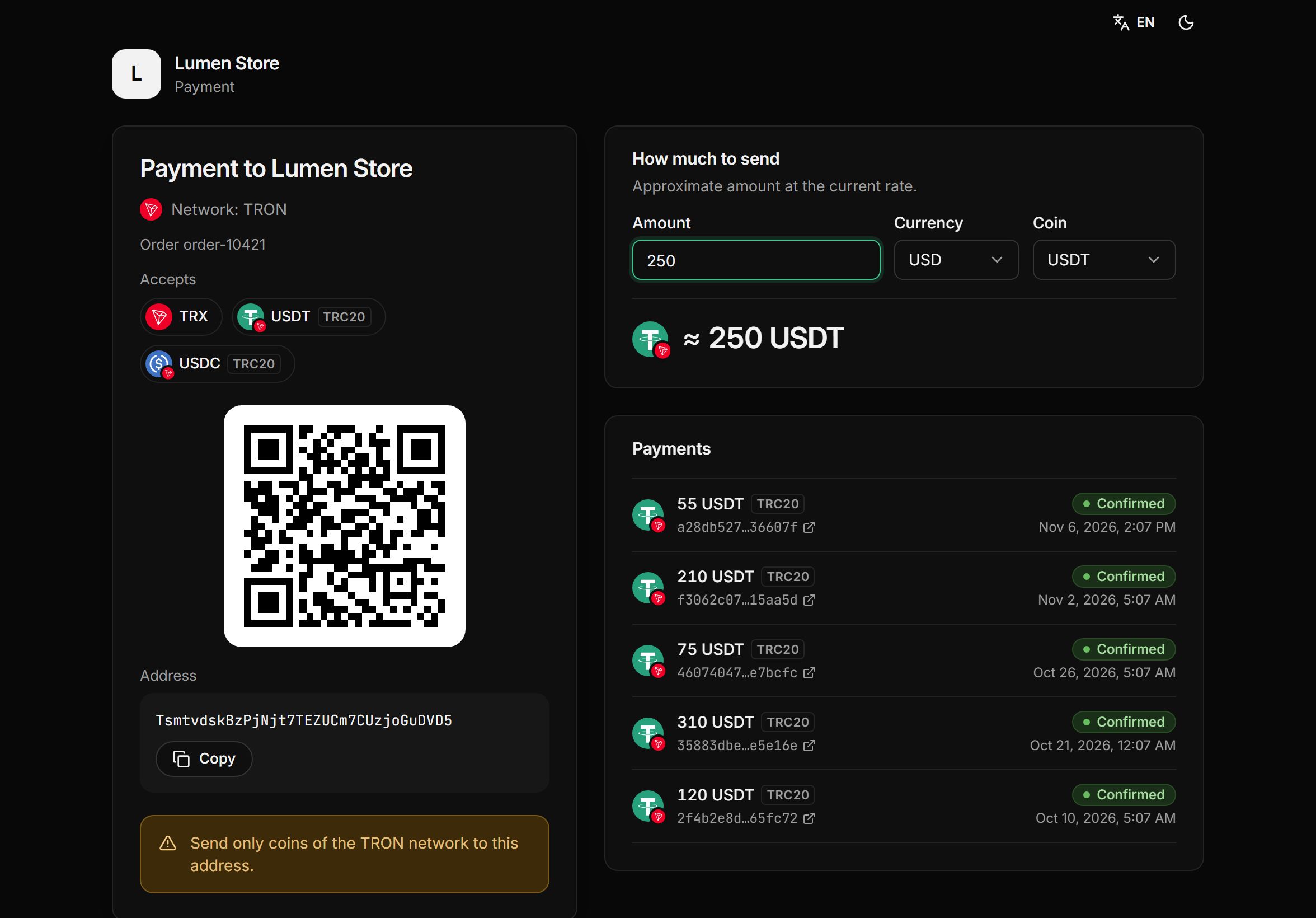
Every address has a payment page with the QR code, network, an amount calculator and payment history. Just send the customer the link.
Amount in the widget
Turn on the amount field and the customer sees how many coins to send. For Bitcoin, Litecoin and Solana the amount goes into the QR code too.
Only the coins you want
Offer every coin, stablecoins only or a list of your own.
A separate domain for the widget
The widget loads in an iframe from a separate domain that has no dashboard sign-in and none of your data.
Pay only when you get paid
- First 10 days fee-free, on payouts up to $500
- No monthly or setup fee
- The fee can go on the buyer’s invoice
- Network fees at cost, no markup
Frequently asked questions
All questionsHow is a permanent address different from an invoice?
An invoice is a one-off payment with an amount and a deadline. A permanent address accepts any amount any number of times, which suits balance top-ups and recurring payments.
How does my site know who topped up?
Every payment arrives as a payment.* webhook with the customer or order number in the reference field. Your site credits the money by it.
Do I need a developer?
The widget needs access to your server, which signs the customer id with the widget secret. Ready-made signing code for Node.js, PHP, Python and Go is in the dashboard.
What if a customer sends coins on the wrong network?
On EVM networks the address is the same, so a payment from BNB Smart Chain to an Ethereum address is still credited, on its own network. On other networks the widget and the address page clearly say which network to use.
Can I accept top-ups in stablecoins only?
Yes. Choose “Stablecoins only” in the widget, and customers can top up only in USDT or USDC.
How many widgets can I create?
Up to 20 per shop. For example, one for balance top-ups and another for subscription payments.
How much does it cost?
Nothing extra: it comes with the plan. You only pay a fee from 0.3% per payout, and the rate goes down as your volume grows. For the first 10 days after your first payment, payouts up to $500 carry no fee.
More features
- Payment page
A ready page: 30+ coins, a 30-minute rate and one-click payment.
- Telegram notifications
The bot reports every payment and payout to a chat, group or channel.
- Accounting reports
Payments and payouts in Excel or CSV, valued at the moment of crediting.
- Split payouts
Every payment goes to your wallets on its own, split the way you set.
- Payment links
Create an invoice in a minute and send your customer a payment link.
Start taking crypto today
Signing up takes a minute and setting up a shop about five more. Connecting is free.