Send an invoice, get paid in crypto by link
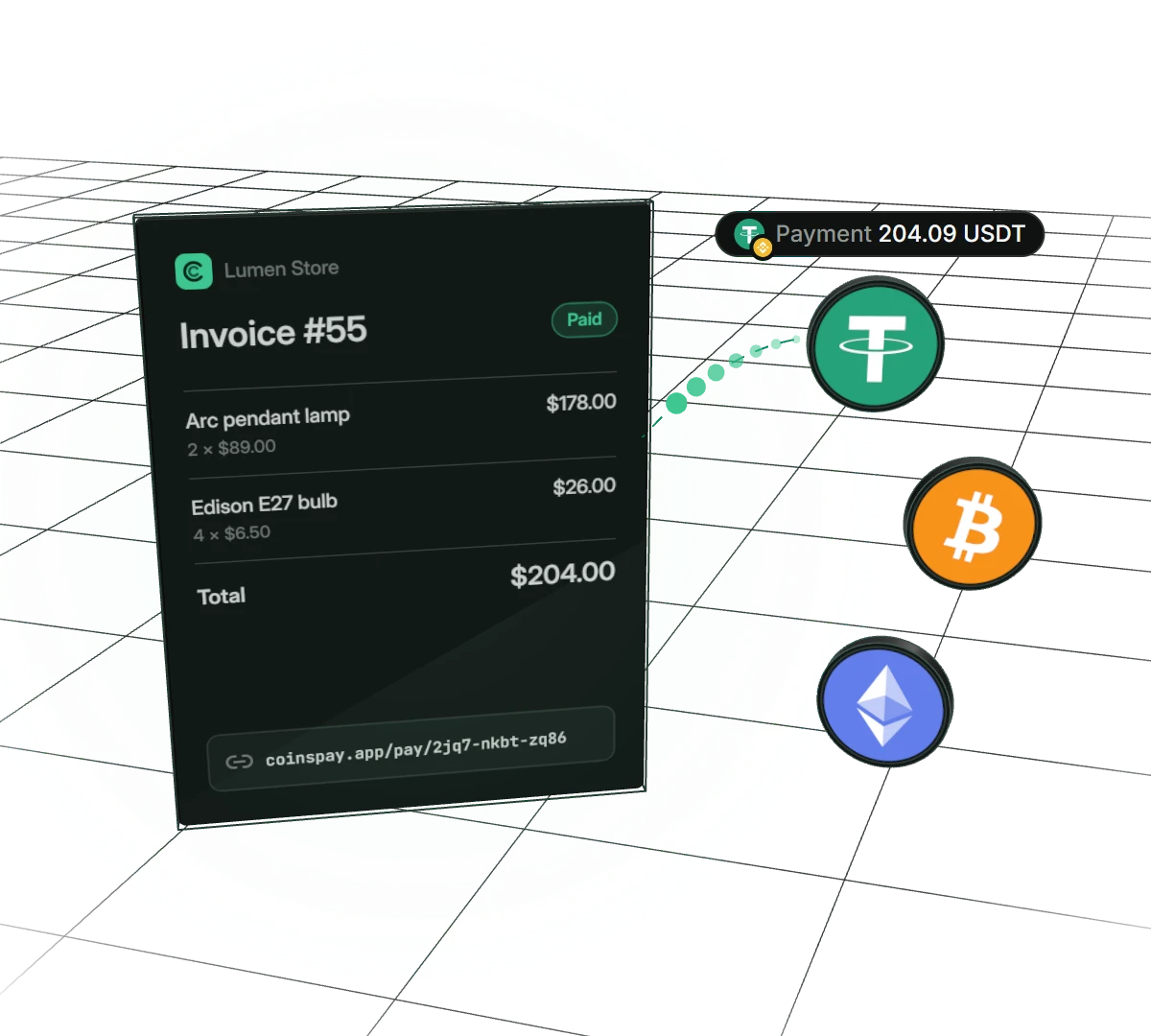
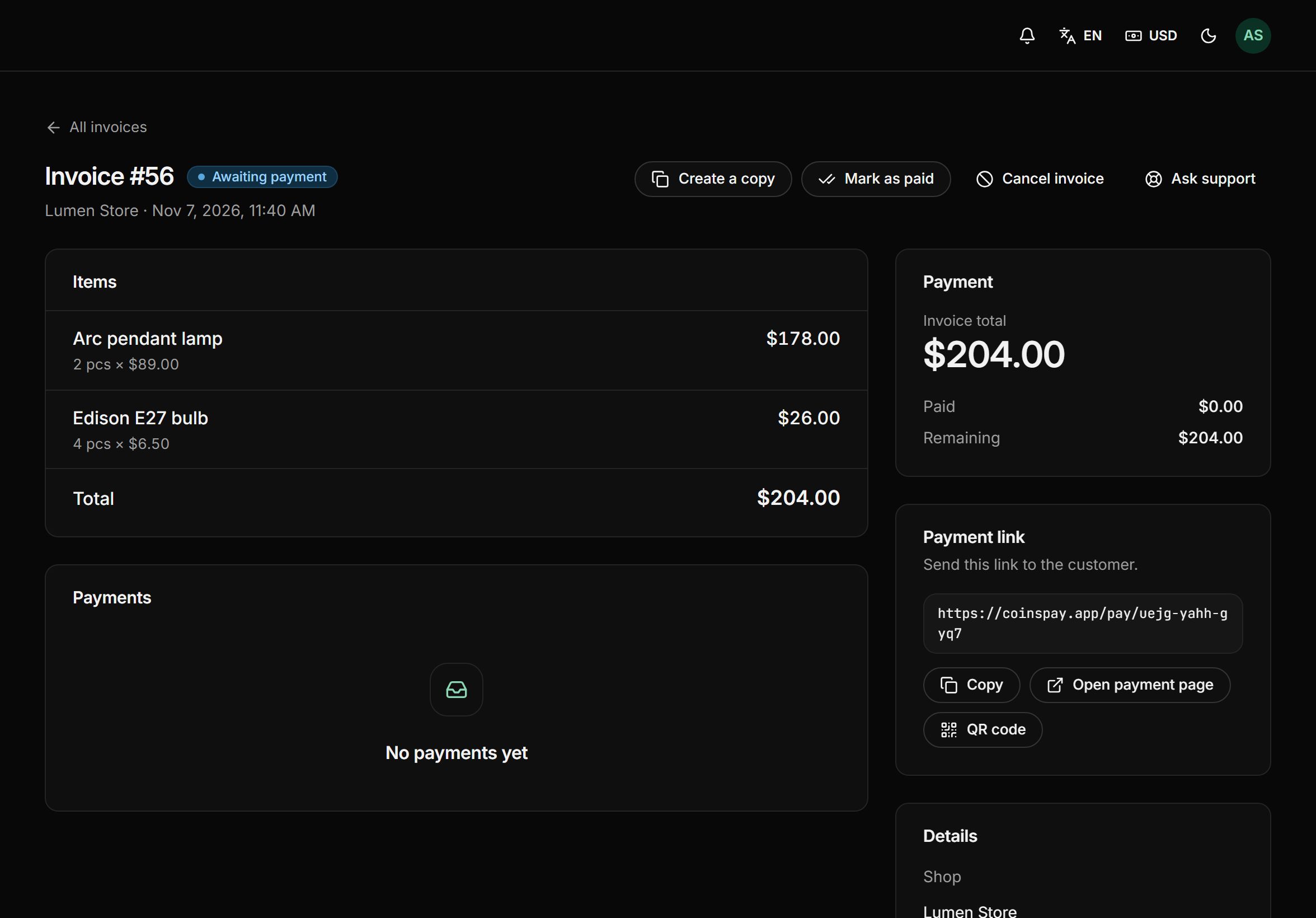
List the items, set a price in your usual currency and send your customer a link by chat or email. They pick a coin and pay on a ready-made page, and you see the payment in your dashboard and in Telegram. No website or developer needed.
- Price
- in $, € or crypto
- Invoice lifetime
- 1 hour to 30 days
- Crypto amount
- held for 30 minutes
What a payment link gives you
Sell without a website
Selling on Telegram, social media or over chat? An invoice works as your checkout: the customer opens the link and pays right from their phone.
Prices in your currency
Set the price in dollars, euros or another currency, and CoinsPay converts it into the coin at the current rate. The amount holds for 30 minutes, so the rate won’t move while the customer finds their wallet.
Customers pay how they like
The payment page offers 30+ coins and tokens. You can keep only stablecoins or tick exactly the coins you want.
Keep the full amount
Have the customer cover the fees, and the amount due grows just enough for you to receive the full invoice total after the payout.
How to send an invoice
- 01Build the invoiceAdd items with quantity and price, or enter a single amount. Pick a lifetime from 1 hour to 30 days.
- 02Send the linkCopy the link or show the QR code. Your customer opens the payment page on a phone or a computer.
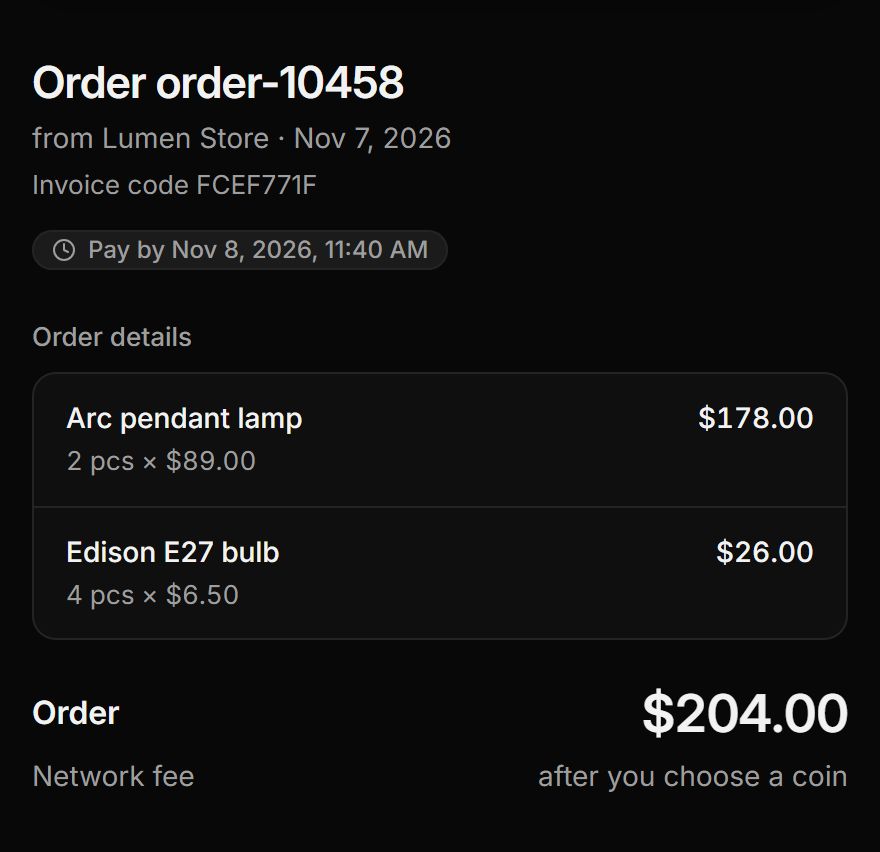
- 03Your customer paysThey see the order, choose a coin and pay in one click from a wallet or by QR code.
- 04The money is yoursThe invoice is marked paid, the customer gets a receipt and the money goes to your wallets. The Telegram bot lets you know at once.
Everything an invoice needs
Invoices handle the awkward cases too: underpayment, late payment, sending the customer back to your site.
Items or a single amount
Show the order with quantities and prices, or bill a single amount.
Invoice code and order number
The customer sees the invoice code on the payment page and the receipt, while your order number comes in webhooks and lands in reports.
Underpayment
If less arrives, the invoice becomes partly paid and the customer tops up the rest. You can also accept the shortfall by marking the invoice paid.
Late payment
A payment that arrives after the deadline is still credited, at the rate at the moment it arrived.
Receipt and return to the shop
After paying, the customer gets a receipt to print or save as PDF, plus a “Back to the shop” button.
Copy in one click
Billing a regular customer again? Make a copy of the invoice and change a line or two.
Pay only when you get paid
- First 10 days fee-free, on payouts up to $500
- No monthly or setup fee
- The fee can go on the buyer’s invoice
- Network fees at cost, no markup
Frequently asked questions
All questionsDo I need a website to send invoices?
No. You create an invoice in the dashboard in a minute and send the link through any messenger, social network or email.
Which currency can I invoice in?
Dollars, euros or another currency from the list, or straight in a coin such as USDT. The customer pays in the coin they choose at the current rate.
How long is an invoice valid?
In the dashboard you choose from 1 hour to 30 days. The crypto amount holds for 30 minutes after the customer picks a coin, then it is recalculated at the current rate.
What if the customer pays less?
The invoice becomes partly paid and the payment page shows the balance. The customer tops it up, or you accept the shortfall by marking the invoice paid.
Can invoices be created automatically?
Yes. Your site or bot creates an invoice with one API request, gets the customer’s link and learns about the payment from a webhook.
How can I test without real money?
Issue a test API key. Its invoices are paid with a button on the payment page, and your shop gets the same events as with a real payment.
How much does it cost?
Nothing extra: it comes with the plan. You only pay a fee from 0.3% per payout, and the rate goes down as your volume grows. For the first 10 days after your first payment, payouts up to $500 carry no fee.
More features
- Balance top-ups
A permanent address for each customer and a QR widget on your site.
- Payment page
A ready page: 30+ coins, a 30-minute rate and one-click payment.
- Telegram notifications
The bot reports every payment and payout to a chat, group or channel.
- Accounting reports
Payments and payouts in Excel or CSV, valued at the moment of crediting.
- Split payouts
Every payment goes to your wallets on its own, split the way you set.
Start taking crypto today
Signing up takes a minute and setting up a shop about five more. Connecting is free.